
To scale Google Ads safely, raise budgets in small steps on campaigns that have already proven stable results, change one lever at a time, and judge every step against revenue, not just platform metrics. The same logic holds for Facebook. Most blown-up accounts did not fail because the offer was bad. They failed because spend doubled overnight, tracking was shaky, or a policy problem surfaced the moment volume went up.
This guide gives you the readiness test, the step sizes, the levers to pull after budget, the warning signs that tell you to stop, and the extra care needed when you sell in a restricted category.
TL;DR
- Scale only after about a week of stable performance, with a real margin above break-even and fresh creative ready.
- Increase budgets and targets in steps of roughly 20-30%, then pause several days to see whether cost per conversion holds.
- Change one major lever at a time (budget, bid target, keywords, audience, creative, landing page) so you know what caused the result.
- Verify tracking against revenue before you spend more. Bad data scales losses faster than profit.
- In restricted verticals, policy risk is part of the scaling plan: a disapproval or suspension at high spend costs far more than at low spend.
Table of Contents
- What “safe” scaling actually means
- Check readiness before you add a dollar
- Raise budgets in steps, then wait
- Levers beyond budget
- Fix tracking before you scale
- Warning signs: when to pause or roll back
- What changes on Facebook
- Restricted verticals: policy is part of the scaling plan
- Our perspective: scale the account, not just the campaign
- Where we can help
- Estimating a budget that fits your goals
- FAQ
- Sources
What “safe” scaling actually means
Safe scaling means adding budget gradually to campaigns with proven recent performance, consistent conversions, enough available audience and fresh creative, while keeping platform metrics aligned with revenue. Pixis describes it in just those terms. Notice what is missing: a target multiple, a magic budget number, a hack.
There are two ways to grow. Vertical scaling puts more money into what already works. Horizontal scaling adds new keywords, audiences, creatives, campaigns or markets. Safe scaling usually mixes both, because one campaign eventually saturates. Search Engine Land advises considering new campaigns or markets rather than overloading a single saturated campaign.
There is also an opportunity-cost side. Google’s own guidance on costs implies that when a profitable campaign is limited by budget, the cap may be limiting customer acquisition rather than just controlling spend. So “safe” does not mean “slow forever”. It means each step is small enough to reverse.
Check readiness before you add a dollar
A single great day is not evidence. AdLibrary’s framework wants ROAS at or above target for seven consecutive days, with a flat or improving trend and a consistent attribution window. Graystone Consulting suggests three to seven days of steady KPIs, a buffer of at least 30% above break-even, and three to five strong creative assets before scaling.
Pixis adds platform-specific checks: review the previous seven days of spend, impressions, clicks, conversions and ROAS, then look for stable or improving CTR, Meta frequency below 3, Google impression share below 80%, and consistent conversion volume. These are practitioner frameworks, not platform rules, so treat them as sensible starting thresholds and adjust to your margins.
| Check | What “ready” looks like | Why it matters |
|---|---|---|
| Performance window | 7 days at or above target ROAS or CPA, flat or improving | One good day is noise |
| Margin | At least 30% above break-even | Scaling usually raises marginal cost |
| Conversion volume | Consistent daily conversions | Automated bidding needs steady signal |
| Headroom | Google impression share under 80%; Meta frequency under 3 | Shows there is audience left to buy |
| Creative | 3-5 strong assets, 2-3 spare approved variants | Fatigue arrives faster at higher spend |
| Tracking | Platform conversions match actual revenue | You cannot scale what you cannot measure |
If any row fails, fix that first. Scaling a campaign with no headroom just raises your cost per click.
Raise budgets in steps, then wait
The most repeated rule is also the most ignored: do not jump. Search Engine Land notes that material budget, tCPA or tROAS changes can trigger learning and volatility, and recommends incremental increases. Graystone advises 20-30% increases followed by three to five days of evaluation.
Pixis suggests a routine: let a campaign run untouched for 5-7 days with a defined tolerance, such as CPA variance within plus or minus 10%, and after two or three increases, pause for 3-7 days to see whether CPA or ROAS holds.

A worked example
Say a campaign spends $200 a day at a $40 CPA and your break-even CPA is $60, so you have a healthy buffer. Here is how a disciplined schedule looks:
- Week 0: hold at $200 and confirm seven stable days.
- Increase 20% to $240. Leave it for 3-5 days.
- If CPA stays inside your band (say $36 to $44), increase 20% again to $288.
- After two or three steps, pause changes for 3-7 days and compare to the baseline.
- If CPA drifts above your tolerance, step back to the last budget that held and fix the cause before trying again.
In about three weeks you are at roughly 1.4 to 1.7 times the starting spend with every step reversible. Doubling in one click might look faster, but if it breaks, you lose the baseline you needed to diagnose it.
Keep in mind how Google paces money. Daily spend can vary, sometimes up to twice the average daily budget, within the monthly limit. Google also says an average daily budget multiplied by 30.4 gives a monthly estimate, and recommends checking the account daily after a new budget is applied. Do that.
Levers beyond budget
Budget is only one lever. When a campaign stops responding to more money, the volume is usually somewhere else. The discipline is to test one major lever at a time with a hypothesis and a success metric. Google’s experimentation playbook stresses clean, controlled inputs and isolation of variables as prerequisites for trustworthy decisions.
- Keywords and match types: add broader but still relevant terms, and watch search terms weekly.
- Audiences: add remarketing lists and new audience signals, not just wider targeting.
- Creative: rotate new headlines, images and video before fatigue shows.
- Landing pages: a faster, clearer page lifts conversion rate, which is cheaper than buying more clicks.
- Bidding targets: loosen tCPA or tROAS deliberately, not randomly.
For automated campaigns, know what you control. Google says Performance Max combines your conversion goals, creative assets, audience signals, budgets and safety settings with its AI, and that with Smart Bidding you can adjust budgets and CPA or ROAS targets, inspect simulators and run experiments to compare another strategy. Use experiments instead of editing a live campaign blindly.
Bidding changes need patience
When moving to value-based bidding, Google says ROAS targets should rest on historical data, budgets should be unconstrained with a ROAS target, and you should avoid extra constraints such as CPC limits. It also recommends allowing at least two weeks or three conversion cycles before judging the change, and aiming for at least 15 account-level conversions per month. If your sales cycle is 21 days, a three-day verdict is worthless.
Fix tracking before you scale
Every scaling rule above depends on numbers you trust. Pixis recommends aligning platform-reported metrics with revenue instead of relying on CPA alone, and pulling ROAS from a source such as AppsFlyer or GA4. Search Engine Land likewise points to validating tracking and downstream lead quality before adding budget.
A practical audit before each scaling phase:
- Compare platform conversions with orders or qualified leads in your CRM for the same days.
- Confirm no duplicate conversion firing, especially if you run both a pixel and server-side events.
- Check that the conversion actions Google optimizes toward are the ones that make money, not form-opens.
- Review lead quality, not just lead count. Cheap junk leads look great in a dashboard.
If you use redirects, bridge pages or server-side routing, tracking gets more fragile. Our guide to Google ad tracking with cloaking setups covers how to keep attribution intact, and our note on Facebook forex tracking with event_id deduplication shows the dedup logic in a real vertical.
Warning signs: when to pause or roll back
Watch spend, impressions, clicks, conversions, ROAS, CTR and frequency together. Declining CTR, rising CPA and creative fatigue are the usual first symptoms. AdLibrary treats rising frequency, falling engagement and increasing cost per result as a compound signal: any two are a warning, all three a hard stop, and it advises having 2-3 fresh approved creative variants ready before you scale.
A simple rollback rule works well:
- One metric off: note it, keep watching for two days.
- Two metrics off: hold budget, ship new creative or tighten targeting.
- CPA beyond your tolerance band for several days: return to the last budget that held.
- Disapprovals or limited serving: stop increasing spend until the policy cause is understood.
That last line matters more than people expect, and it leads to Facebook and restricted categories.
What changes on Facebook
The principles carry over: stable window, 20-30% steps, one change at a time, revenue-aligned measurement. Facebook adds a few differences. Frequency is a headline fatigue metric (Pixis uses below 3 as a check on Meta), creative wears out faster, and learning resets after significant edits. So the creative pipeline is the real scaling constraint on Meta, while on Google it is more often keyword and intent volume.
A useful split: on Google, capture existing demand and expand into adjacent queries. On Facebook, create demand with fresh angles and rotate them early. Neither platform rewards stuffing more money into one tired ad.
Restricted verticals: policy is part of the scaling plan
If you sell CBD, peptides, supplements, crypto, forex, pharma or similar products, scaling has an extra failure mode: policy enforcement. At low spend, a flagged ad is an annoyance. At high spend, an account suspension stops revenue and wipes out your learning history.
Google’s own help pages show how targeting is limited for sensitive content. For Demand Gen, personalized-advertising policies restrict first-party data, custom segments and Lookalike segments in sensitive categories, which means your audience-expansion options shrink. Advertisers can appeal rejections through the Self-Service Appeals tool. The same page notes restrictive targets can suppress delivery and suggests loosening tCPA or tROAS by 20-30% when appropriate, though those are Demand Gen troubleshooting tips, not universal rules.
What this means in practice:
- Build your scaling plan around the levers your category still allows: keywords, creative, landing pages and bids.
- Get approval on spare creative variants early, so you are never waiting on review mid-scale.
- Keep landing pages clean, accurate and consistent with the ad.
- Scale at the slower end of the step range, because each disapproval resets momentum.
For category specifics, see our pages on CBD, hemp, kratom and vape ad approval, crypto ad approval and medicine, pills and pharma ads. Our walkthrough on scaling restricted ads without losing your account goes deeper on the account-safety side.
Our perspective: scale the account, not just the campaign
We work with advertisers in categories where ad platforms are strict, and the pattern repeats. The campaigns that die at scale rarely die from bidding mistakes. They die from an account-level problem that was invisible at $50 a day: a landing page that does not match the ad, a tracking gap, a single creative carrying all the spend, or a policy issue nobody resolved because volume was too small to trigger it.
So we treat scaling as three parallel jobs. First, make the campaign economics sound with the step rules above. Second, make the infrastructure sound: landing pages, server configuration, bot and reviewer detection, and tracking that reconciles to revenue. Third, keep the account stable, with approved creative in reserve and someone watching it daily after every change.
Our view is that infrastructure should be set up before spend climbs, not after the first suspension. And we would rather tell you that a page needs fixing than sell you a more complicated fix. That is why we publish material such as fixing the page before escalating and why audits come first on our list.
— Umar
Where we can help
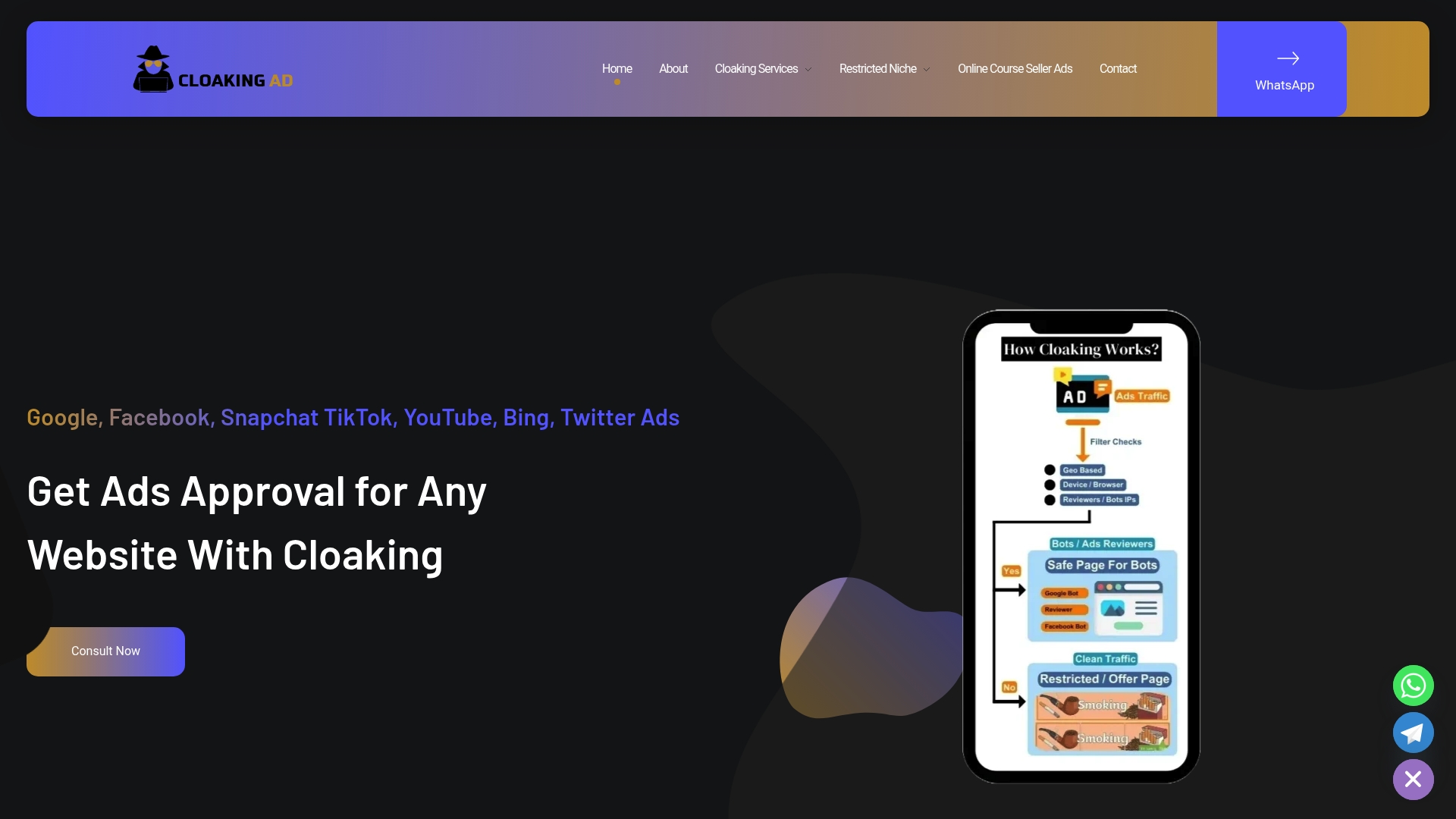
If you run a restricted-category offer and want the infrastructure handled while you focus on the numbers, we offer three routes. A consultation call is the place to start if you are unsure what your account needs. The Setup Cloaking System package is $1,599 one-off and covers custom setup and server configuration. The Done-For-You engagement is $3,599 one-off and adds ongoing ad account management. The consultation call has no published price.
You can see the full details and book on our main page, or read about our Google Ads service first.
Estimating a budget that fits your goals
Google states there is no universal price: Search Ads are priced per click, while other products may charge for visibility or user action, and advertisers set a daily or campaign-total budget. Google points to its Cost Tool, Keyword Planner and Performance Planner for planning spend.
Work backward from your numbers. Take your break-even CPA, apply the 30% buffer, and compute the maximum CPA you will tolerate. Then divide the monthly conversions you want by your conversion rate to get clicks, and multiply by expected CPC from Keyword Planner. Compare the result to a daily budget multiplied by 30.4. If the gap is large, scale toward it in the steps above rather than jumping to the target.
FAQ
How fast can I increase my Google Ads budget?
A common practitioner guideline is 20-30% per step, followed by three to five days of evaluation. Slower is safer if your conversion cycle is long or your CPA is near break-even. Never raise a budget on the strength of a single good day.
Will changing my budget reset Google’s learning?
Small changes usually do less damage than large ones. Search Engine Land warns that material budget or target changes can trigger learning and volatility, which is why incremental steps are recommended. Avoid combining a budget jump with a target or creative change.
How do I know when a campaign has stopped scaling?
Look for rising CPA, falling CTR and climbing frequency at once. Any two together are a warning, and all three mean stop. Then add new creative, keywords or audiences before spending more.
Does the advice differ for Facebook ads?
The step sizes and testing discipline are the same. The main difference is creative fatigue: frequency climbs faster on Meta, so you need a steady supply of approved variants. Policy review also affects new ads before they can run.
What should restricted-category advertisers do differently?
Plan for policy early. Keep approved backup creative, use only the targeting your category allows, and scale more slowly, because a disapproval at high spend costs more than at low spend. If an ad is rejected, use the platform’s appeal process and fix the underlying cause.
Sources
- How to Identify Scalable Ad Sets in Meta & Google, Pixis
- Marketing Budget Allocation: Testing vs. Scaling, Graystone Consulting
- When to Scale Ad Campaigns: 5-Signal Readiness Framework, AdLibrary
- Why high-ROAS campaigns don’t always deserve more budget, Search Engine Land
- How to Scale Ad Spend Without the Learning Phase, Pixis
- How much does Google Ads cost?, Google Ads
- Choose your bid and budget, Google Ads Help
- Paving the path to proven success, Think with Google
- About Performance Max campaigns, Google Ads Help
- How to steer AI-powered Search ads, Google Ads Help
- Value-based bidding best practices, Google Ads Help
- Troubleshoot: Demand Gen campaigns not running or low, Google Ads Help