

X’s advertising rules live in two official documents: the X Ads policies and the more detailed Ads content policies. The single most important takeaway is that some content is banned outright, while other categories are allowed but only with disclosures, licensing, or geographic limits. Before launch, check your category against both documents and confirm your account meets eligibility requirements.
TL;DR:
- Screen ad creative and destination pages together, because an apparently compliant ad can still be rejected when its landing page makes conflicting claims.
- Restricted categories such as alcohol, finance, health, and gambling may require age controls, licenses, geographic limits, disclaimers, or documented support for claims.
- Automated screening and human review vary by campaign objective and category, while billing verification, suspension history, and regional compliance affect account eligibility.
- Check the dated policy update log before scaling and retest approved creative, since country allowances and category restrictions can change over time.
- After a rejection, document the flagged issue, correct the specific conflict, attach relevant evidence, and include the original tracking ID in any appeal.
Table of Contents
- What X’s ad policies cover and how they connect to X’s terms
- What content X does not allow in ads
- Categories X allows only with limits and disclosures
- How X reviews ads and what affects account eligibility
- Where to track policy changes before you scale
- A practical compliance checklist before you launch
- What compliance teams prepare for restricted verticals
- Balancing growth and compliance
- When managed approval support makes sense
- FAQ
- Sources
What X’s ad policies cover and how they connect to X’s terms
X organizes its advertising rules into a few layers: Ad Quality Standards, Prohibited Content, Restricted Content, Product Policies, and Campaign Considerations. Each layer answers a different question. Quality standards cover how an ad looks and functions, prohibited content lists what never runs, and restricted content covers what runs only under specific conditions.

Ad-specific rules sit on top of X’s general Terms of Service, so a campaign can follow every line of the ads policy and still get flagged for violating platform-wide rules on spam, impersonation, or manipulated media. The X Ads policies page is the starting point for quality standards and prohibited categories, while the Ads content policies page breaks down category-specific detail for regulated verticals like alcohol, finance, and health. Reading both before you build creative saves a resubmission cycle later.
What content X does not allow in ads
Certain categories are rejected regardless of targeting, disclosures, or account history. According to the X Ads policies, prohibited content includes:
- Deceptive or fraudulent claims, including scams and misleading financial promises.
- Illegal goods or services, or content that facilitates unlawful activity.
- Explicit sexual content or other NSFW material in ad creative.
- Content that targets, exploits, or endangers minors.
- Weapons, weapon accessories, and related paraphernalia.
- Hateful conduct or content that promotes violence against protected groups.
A useful habit is screening both the ad creative and the destination landing page against this list before submission. Rejections often trace back to a landing page that conflicts with the policy even when the ad itself looks clean.
Categories X allows only with limits and disclosures
Some verticals are not banned, but they carry extra requirements: age gates, licensing proof, geographic restrictions, or mandatory disclaimers. The Ads content policies page lists category rules including:
- Alcohol: age-targeting controls and country-level eligibility limits.
- Financial products and services: licensing evidence, required disclaimers, and geo restrictions.
- Healthcare and medical claims: supporting documentation and no unverified treatment promises.
- Gambling and betting: permitted in select regions with strict targeting controls.
- Tobacco, vaping, and CBD: frequent regional bans and specific landing-page expectations.
Pro Tip: Build your landing page to match the restricted category’s disclosure requirements before you submit the ad, not after a rejection.
How X reviews ads and what affects account eligibility
X combines automated screening with human review, and the Ads content policies note that review depth varies by objective and category. A website-click campaign and a video-view campaign can move through review at different speeds because each triggers a different billable action and risk profile.
When an ad gets rejected, the cause usually falls into one of these buckets:
- The landing page conflicts with claims made in the ad itself.
- The creative uses disallowed language for a restricted category, such as unverified medical claims.
- The ad was miscategorized under the wrong policy section.
- Targeting settings violate geographic or age restrictions tied to the category.
Account eligibility depends on more than the ad itself. Verified billing instruments, a clean suspension history, and compliance with regional advertising limits all factor into whether an account can run ads at all. If you hit a rejection or suspension, the first move is documenting exactly what was flagged, fixing the specific issue, and checking whether the account needs a formal appeal before resubmission.
Where to track policy changes before you scale
Ad policy is not static. The X Ads Policy Update Log records dated changes, including country-specific allowances that shift over time. A creative approved in one region last quarter can fail in another region today if the log shows a new restriction.
A light monitoring routine prevents most surprises:
- Check the update log before any campaign that increases spend significantly.
- Re-test existing creative against current rules rather than assuming past approval still applies.
- Confirm geographic notes for your specific category, since regional permissions vary by country.
- Keep a short internal record of what changed and when, so your team isn’t relearning the same rule twice.
Weekly checks are reasonable for accounts running in restricted verticals; monthly is often enough for mainstream categories.
A practical compliance checklist before you launch
Most rejections are preventable with a short audit before submission.
- Screen creative and landing pages together against the prohibited content list.
- Tighten any claims language, and attach citations or licensed statements for medical or financial copy.
- Add age and geographic gating for restricted products, plus the disclosures each category requires.
- Use verified billing or an insertion order where the platform recommends it, and keep permissions documentation on hand.
- If an ad is denied, structure your appeal around what changed, the supporting documents attached, and the original tracking ID.
A 7-step audit before resubmission catches most of the issues that trigger a second rejection, particularly around claims language and landing-page mismatches.
Pro Tip: Keep a dated folder of every license, disclaimer, and screenshot tied to a restricted ad category. It turns a slow appeal into a same-week resubmission.
What compliance teams prepare for restricted verticals
Teams running ads in regulated categories typically assemble a documentation set before submission: licenses, lab reports, age-gating screenshots, and any certification relevant to the vertical. A medical claims policy breakdown shows how this applies specifically to healthcare creative, where unverified treatment claims are the most common rejection trigger.
The usual workflow runs: audit the creative and landing page, fix the specific conflict, prepare an appeal template with tracking IDs, then resubmit in stages rather than all at once. Escalating to managed support makes more sense once rejections repeat across multiple attempts, rather than on the first denial.
Balancing growth and compliance
Scaling a restricted campaign without a policy check first is how accounts get suspended. Pause and fix before you appeal, and treat a policy review as part of every scale event, not an afterthought.
— Umar
When managed approval support makes sense
Businesses in Peptides, CBD, Kratom, pharma, crypto, and forex often hit the same wall: repeated rejections despite following every published rule. 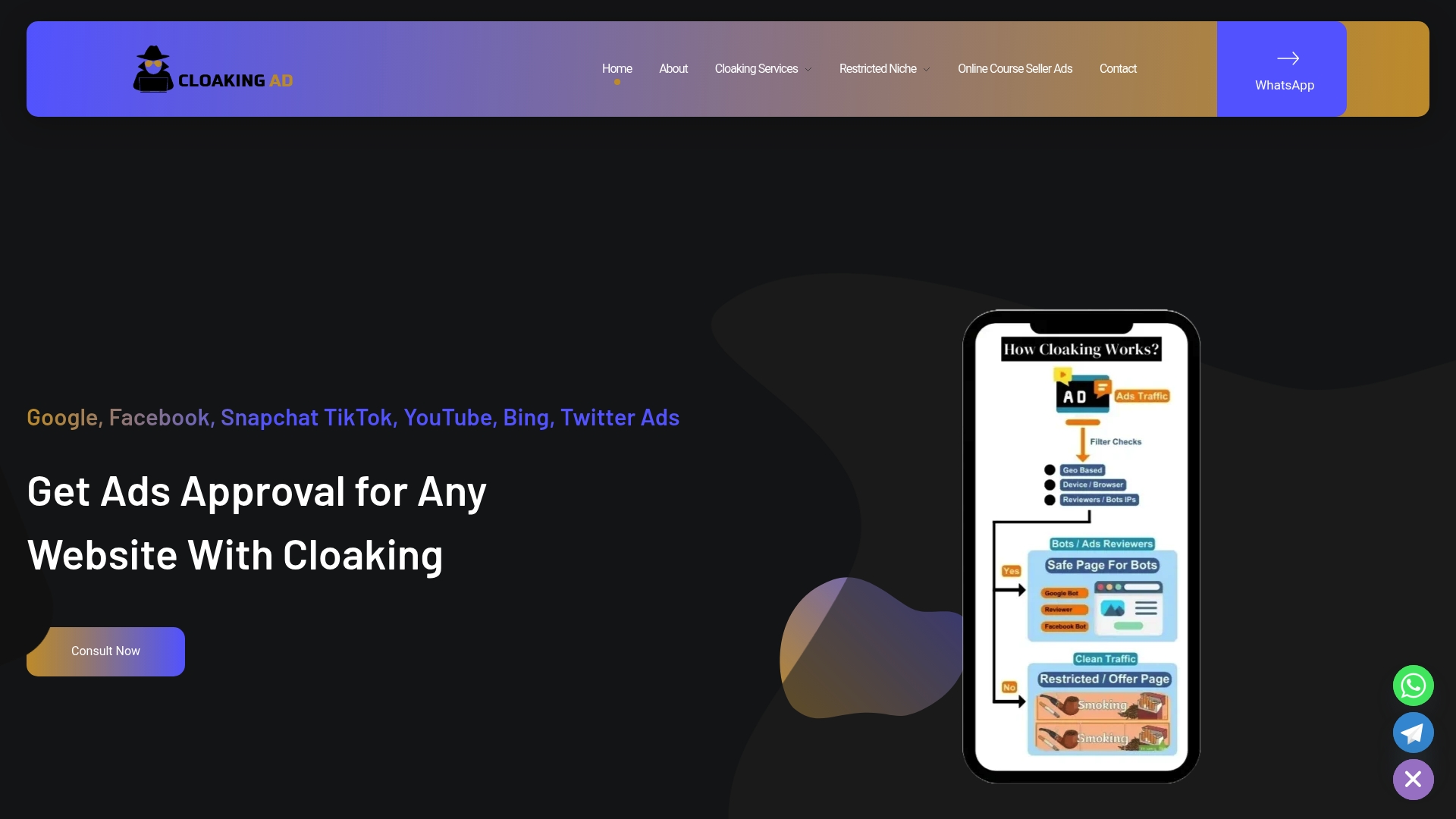
We offer three ways to work through that: a consultation call to diagnose what’s failing, a SETUP CLOAKING SYSTEM engagement for cloaking and server setup, and a fully managed Done-For-You service covering ongoing ad account management. Managed support fits best once in-house fixes stop working or your vertical carries heavy regulatory complexity. Book a consultation to see which option fits your campaign.
FAQ
What is the 4-1-1 rule on Twitter?
The 4-1-1 rule is a content-mix guideline, not an official X ads policy: for every self-promotional post, post several pieces of other people’s content and a few original non-promotional updates. It applies to organic posting strategy rather than paid ad approval rules.
Does Twitter still allow NSFW content?
Explicit sexual content and other NSFW material are listed as prohibited in ad creative under the X Ads policies. This applies to paid ads regardless of how organic content settings are configured.
How much does it cost to run an ad on Twitter?
Campaigns are charged per objective, such as cost per click, cost per thousand impressions, or cost per video view, using an auction system. Pricing varies by targeting, competition, and objective rather than a fixed rate.
How do I stop getting ads on Twitter?
Ad preferences can be adjusted in account settings to limit personalized advertising, though some ads will still appear since the platform is ad-supported. Reviewing data-sharing and ad personalization settings reduces how targeted those ads are.