
A suspended Google Ads account is sometimes reversible, but only if you act in the right order. The first move is never the appeal. It’s securing the account, documenting what happened, and fixing the underlying problem, because Google’s suspension guidance treats most suspensions as permanent unless an appeal succeeds on its merits.
TL;DR:
- Most Google Ads suspensions are reversible only after fixing the root issue, with a focus on proper documentation and remediation before appealing.
- Suspensions often spread across linked accounts through shared payment profiles or business identities, so check all related accounts before acting.
- Verifications and security cleanups must be completed and verified before submitting appeals, especially for compromised accounts or egregious violations like cloaking.
- Payment issues can typically be resolved within 30 days by providing clear evidence, while policy-related suspensions depend on content fixes and thorough documentation.
- Account reputation and future ad reach can be impacted by suspensions, as prior violations may trigger closer scrutiny and operational delays even after reinstatement.
Table of Contents
- What triggers Google Ads suspensions: categories and examples
- What happens to your account and related accounts when suspension occurs
- Is the suspension reversible? Appeal eligibility, timelines, and verification prerequisites
- Step-by-step recovery and appeal checklist
- Billing and payment suspensions: specific steps and typical timelines
- Compromised account suspensions: immediate security remediation and reimbursement eligibility
- Egregious violations, cloaking, and when reinstatement is unlikely
- Prevention and post-reinstatement best practices
- Publisher perspective: how CloakingAd approaches suspensions for high-risk niches
- Differences in suspension policies across major advertising platforms
- How suspension notifications are delivered and where to find them
- Potential long-term impacts of suspensions on account reputation or ad reach
- What the suspension playbook actually gets wrong
- CloakingAd services: get help reinstating ads in restricted niches
- Sources
- FAQ
What triggers Google Ads suspensions: categories and examples
Google groups suspensions into a handful of recognizable categories, and knowing which one applies to you determines your entire recovery path. According to Google’s official overview, the main triggers include policy or Terms of Service violations, billing and payment problems, unauthorized account activity, age-related eligibility issues, Google Ad Grants misuse, and egregious violations that Google treats as serious breaches of trust.
Not every violation gets the same response. Ordinary policy issues often come with a warning and a window to fix the problem before enforcement escalates, while severe violations can trigger immediate suspension with no warning at all, according to Google’s policy enforcement guidance.
Common examples readers run into:
- Billing suspensions tied to chargebacks, unpaid balances, or promo-code abuse flagged as suspicious payment activity.
- Policy suspensions from misleading claims, prohibited products, or destination pages that don’t match the ad copy.
- Unauthorized activity suspensions when Google detects logins or changes that don’t match the account’s normal pattern.
- Age suspensions when an advertiser doesn’t meet the minimum age requirement tied to certain ad categories.
- Egregious violations, which include cloaking and other attempts to circumvent Google’s review systems.
Each category calls for a different fix. Billing problems need a payment correction, policy problems need content changes, and security problems need account hardening before anything else.
What happens to your account and related accounts when suspension occurs
Once suspended, your Google Ads account typically drops into a read-only state. You can view historical data and past performance, but you generally cannot launch new campaigns, edit existing ads, or add budget. Some account settings remain accessible specifically so you can prepare for an appeal.
The bigger risk is contagion. Suspensions can propagate across linked structures when accounts share a payment profile, a manager account, or the same advertiser verification. A single flagged payment method or a shared business identity can pull multiple accounts into the same enforcement action.
Before appealing anything, check these:
- Whether other accounts under the same manager account or payment profile show suspension flags.
- Whether you still have access to billing history and spend data for refund purposes.
- Whether any pending charges or credits need resolution separately from the appeal.
Refunds for unspent balances are usually processed independently of the appeal outcome, so don’t let a pending appeal stop you from requesting one.
Is the suspension reversible? Appeal eligibility, timelines, and verification prerequisites
Most suspensions can be appealed, but the eligibility rules matter more than people expect. Google’s guidance confirms advertisers get at least six months from the suspension date to submit an appeal, and some advertisers must complete advertiser verification successfully before Google will even review one.
Work through this sequence before you submit anything:
- Confirm whether your account falls under a verification requirement, since unverified accounts in that category cannot be appealed until verification is complete.
- Understand that failed verification attempts count against you. Google allows a limited number of tries, and repeated failures can stall the entire recovery process.
- Time your appeal only after the underlying issue is actually fixed. An appeal filed before remediation reads as incomplete and often gets rejected on the first pass.
- Treat the six-month window as a ceiling, not a target. Earlier, well-documented appeals tend to move faster than last-minute ones.
The practical takeaway: fix the problem first, document every step, and only then file. Rushing an appeal before verification or remediation is the single most common reason advertisers lose their appeal window entirely.
Step-by-step recovery and appeal checklist
A credible appeal is built, not written on the spot. Work through these steps in order before you touch the appeal form.
- Open the suspension notice in full and screenshot every detail, including the stated reason, the date, and any reference numbers. Timestamps matter if you later need to prove when you fixed something.
- Reset passwords on the Google account tied to the Ads account and remove any users you don’t recognize.
- Turn on 2-Step Verification and review the account’s change history for edits you didn’t make.
- Pull down or correct any ad, landing page, or claim that triggered the policy flag, and make sure your destination page content matches your ad copy exactly.
- Resolve billing issues directly: update the payment method, clear outstanding balances, and complete any verification task Google has requested.
- Gather supporting documents: business registration, identity verification, payment records, and screenshots showing the fixes you made.
- Write the appeal itself as a short, factual statement: what happened, what you changed, and what evidence proves it. Attach the documentation rather than describing it.
Pro Tip: Keep the appeal under one page. Reviewers respond better to a tight, evidence-backed statement than a long explanation of circumstances.
Submitting before step six is the most common mistake. An appeal with no attached evidence reads as an excuse rather than a fix, and practitioner guidance on handling restricted assets across platforms echoes the same point: map which part of the account is actually flagged before you respond, because ad-level, account-level, and payment-level issues follow different review paths.
Billing and payment suspensions: specific steps and typical timelines
Payment suspensions are usually the most mechanical to fix, and often the fastest to resolve once you understand the process. Google may ask you to verify a payment method using a confirmation code, a small temporary charge, or supporting documents, according to Google’s billing and payment suspension guidance.
Google typically gives advertisers a 30-day window to complete payment verification, and temporary verification charges are refunded once the process completes. Missing that window can turn a temporary pause into a full suspension.
Key points to handle:
- A temporary pause for payment review is not the same as a suspension, and resolving it quickly usually avoids escalation.
- Chargebacks and promo-code abuse allegations need a direct response in the appeal: show the original transaction records and explain the discrepancy plainly.
- Keep every payment receipt and confirmation email, since these form the backbone of a billing appeal.
Responding inside the 30-day window with clear documentation is the difference between a quick reinstatement and a drawn-out dispute.
Compromised account suspensions: immediate security remediation and reimbursement eligibility
A suspected compromise gets treated as a security incident first, not a policy dispute. Google’s compromised account guidance explains that Google may temporarily suspend the Ads account and even disable the linked Google account while it investigates.
Recovery steps, in order:
- Regain control of the Google account through Google’s standard account recovery flow.
- Re-authenticate every administrator and remove any user you don’t recognize.
- Reset passwords and enable 2-Step Verification across every linked account.
- Review the change log for structural edits made during the compromise window.
Only after security is restored should you request a review. Reimbursement for unauthorized charges is tied to completing recovery and enabling 2-Step Verification, so skipping that step can cost you both the appeal and the refund.
Pro Tip: Appealing before cleanup is finished almost always weakens your case, since reviewers check whether the account is actually secure before they consider reinstating it.
Egregious violations, cloaking, and when reinstatement is unlikely
Egregious violations sit in a different enforcement tier entirely. These are serious breaches, not oversights, and Google generally acts on them immediately rather than issuing a warning first.
Cloaking falls squarely into this category. Google classifies cloaking under its Circumventing Systems policy as an egregious violation, meaning the account can be suspended without warning, and reinstatement is permitted only in compelling circumstances supported by a thorough, honest appeal.
What this means in practice:
- Egregious violations include things like cloaking, malware distribution, and deliberate attempts to defeat Google’s ad review process.
- These differ from ordinary policy mistakes in both severity and remedy. There’s no simple content fix because the violation is about intent to deceive the reviewer, not the ad content itself.
- If cloaking was used, stop immediately. Continuing the practice while appealing all but guarantees a rejected appeal and a harder path to reinstatement.
- Any appeal in this category needs to document exactly what changed and why the account now operates transparently.
Reinstatement from an egregious violation is rare, and it depends entirely on demonstrating a real change in practice, not just a promise to comply.
Prevention and post-reinstatement best practices
Most future suspensions are preventable with a few consistent habits. Keep your business identity, payment profile, and website disclosures aligned everywhere Google can check them: the business name on your verification documents should match your site footer and your billing details exactly.
Build these habits into your routine:
- Enroll in advertiser verification proactively rather than waiting for Google to require it, and keep copies of every submission.
- Limit who has admin access to the account and review the change log on a regular schedule.
- Set up billing and policy alerts so you catch issues before they escalate into suspensions.
- Audit live creatives periodically against current ad policies, since policy enforcement shifts over time.
Pro Tip: After reinstatement, run a short postmortem on what triggered the suspension and check every linked account for the same risk before you resume full spend.
Publisher perspective: how CloakingAd approaches suspensions for high-risk niches
Umar has worked with advertisers in restricted categories long enough to see the same pattern repeat: businesses selling CBD, peptides, crypto, or supplements get suspended not because their product is illegal, but because the platform’s blunt content filters can’t tell a compliant seller from a risky one.
CloakingAd works inside that gap. Services include a consultation call to assess what triggered a suspension, cloaking system setup for advertisers who need safer ad delivery, and ongoing verification support to keep accounts stable once reinstated. The honest limit: cloaking carries real policy risk under Google’s own rules, which is why remediation and transparent compliance always come first in any recovery plan CloakingAd builds.
Differences in suspension policies across major advertising platforms
Google Ads and Facebook handle suspensions through different structures, and that difference changes how you respond. Google separates enforcement by layer: a single disapproved ad, an account-level suspension, and a payment-profile enforcement action each follow their own appeal process, with account-level suspensions subject to the six-month appeal window described in Google’s suspension guidance.
Meta’s enforcement works across a wider set of linked assets. Diagnosing exactly which layer is restricted before you respond saves time on both platforms, since an appeal aimed at the wrong layer rarely gets reviewed correctly.
The practical difference for advertisers running campaigns on both platforms: Google’s appeal timelines are more clearly published and tied to a minimum window, while Meta’s process depends heavily on identifying which asset triggered the restriction first. Neither platform treats a suspension as a one-size-fits-all event, so the same account-mapping discipline applies regardless of which platform flagged you.
How suspension notifications are delivered and where to find them
Google typically delivers a suspension notice through two channels at once: an email to the account’s registered contacts and a banner or notification inside the Google Ads account itself, usually visible on the Overview page or under the account’s notification center.
The notice generally states the suspension category, the date it took effect, and in many cases a brief description of the policy or billing issue involved. For verification-related suspensions, the notice often links directly to the verification task Google needs completed.
Check these places if you’re not sure a notification exists:
- The email inbox tied to the Google account’s primary contact, including spam or promotions folders.
- The notification bell inside the Google Ads interface.
- The account’s policy manager section, which logs disapprovals and suspensions together.
Missing a notification is common when business email addresses change without updating the account’s contact details, so confirming your registered contact is current is worth doing before you ever need it.
Potential long-term impacts of suspensions on account reputation or ad reach
A suspension doesn’t just pause spend. It can leave a mark on how the account and its linked identities get treated going forward. Accounts that have been suspended and reinstated sometimes face closer scrutiny on future campaigns, particularly if the original violation involved policy circumvention rather than a simple billing error.
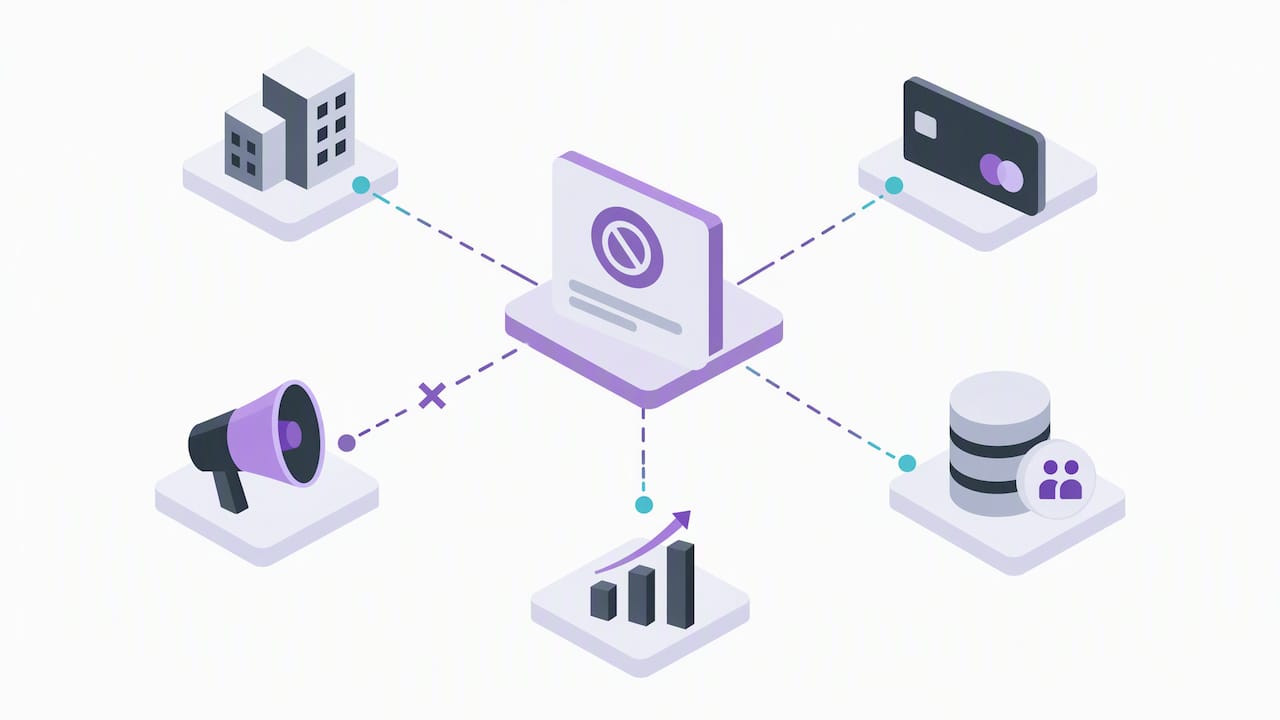
Linked accounts carry some of that risk too. If a payment profile or business identity was tied to a suspended account, new accounts created under the same identity can inherit extra review steps, even after the original issue is resolved.
The reach impact is more immediate: every day an account sits suspended, campaigns stop delivering entirely, which can disrupt remarketing lists, conversion tracking continuity, and any seasonal timing the campaigns were built around. Rebuilding that momentum after reinstatement often takes longer than the suspension itself. For advertisers in frequently flagged categories, the lasting impact is less about a formal penalty and more about the operational cost of starting campaigns over, re-establishing audience data, and proving account stability before a platform grants the same latitude it once did.
What the suspension playbook actually gets wrong
Most advice treats appeals as a writing problem: find the right words, explain the context, ask nicely. That misses what’s actually being evaluated. Google’s review process is checking whether the underlying behavior changed, not whether the explanation is persuasive.
The conventional advice also underplays sequencing. Readers are told to “appeal quickly,” but speed without remediation wastes the one appeal that gets the most attention from a reviewer. A second or third appeal on the same account tends to get less scrutiny, not more, since repeated appeals without visible fixes read as noise rather than evidence.
What actually matters, based on how Google structures its own guidance: security first, documentation second, appeal last. Readers in restricted verticals should prioritize knowing exactly which policy they tripped, because a billing fix will never resolve a policy violation and a password reset will never resolve a billing block. Matching the fix to the category is the whole game.
— Umar
CloakingAd services: get help reinstating ads in restricted niches
If your account sells CBD, peptides, crypto, forex, kratom, or another frequently flagged category, standard appeal advice often isn’t enough because the underlying approval problem is structural, not accidental. CloakingAd works specifically inside that gap between what your product is and what a platform’s blunt filters assume it is.
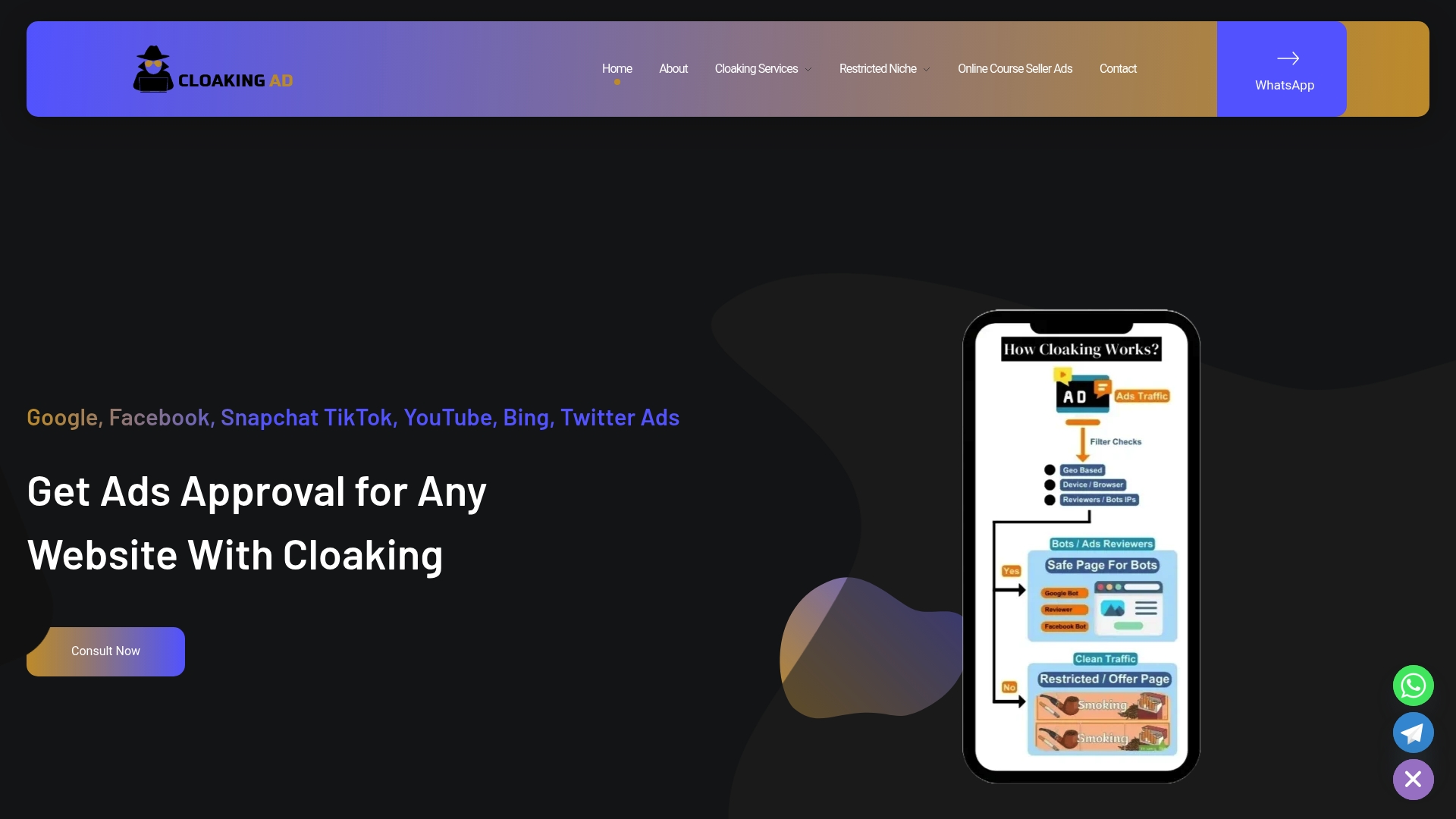
Services available:
- A consultation call to diagnose what triggered your suspension and map the right recovery path.
- Cloaking system setup offered at a fixed one-time price, built for safe ad delivery in high-risk categories.
- A fully managed, Done-For-You engagement, also available for a fixed one-time price, covering setup, remediation support, and ongoing account management.
Book a consultation call to get a direct read on your situation before you file another appeal.
FAQ
Why has my Facebook ad account been suspended?
Facebook (Meta) suspends ad accounts for reasons that mirror Google’s categories: policy violations, payment problems, or unauthorized activity on the account.
How long does an account suspension last?
Suspension length depends entirely on the cause and whether you appeal successfully. Google gives advertisers at least six months from the suspension date to submit an appeal, and the suspension can remain in place indefinitely if no appeal succeeds, per Google’s suspension guidance.
How do I get my Facebook account out of suspension?
Start by identifying exactly which asset is restricted, since Meta’s review process differs for an ad, an ad account, and a payment method. From there, fix the specific issue flagged, gather supporting documentation, and submit a request for review through Meta’s business help tools.
How do I get back my suspended account?
Secure the account first: reset passwords, remove unrecognized users, and enable 2-Step Verification if compromise is suspected, following Google’s compromised account process. Then fix the underlying violation, collect evidence of the fix, and submit a factual, documented appeal rather than a general explanation.