
Snap requires every ad to be suitable for a 13+ audience and to follow local law, and anything in a regulated category needs pre-approval and supporting documentation before it runs. Most rejections trace back to creative, landing page, or disclosure problems rather than the product itself. Baseline review runs about 24 hours, though sensitive content takes longer.
TL;DR:
- Most ad rejections stem from creative, landing page, or disclosure issues rather than product violations, with review times averaging around 24 hours.
- Content targeting users under 13 or reading as age-inappropriate is strictly prohibited, and sensitive categories like pharmaceuticals require pre-approval and supporting documentation.
- Ads must be designed for full-screen vertical format, with critical information placed inside the safe zone and disclosures visible within the creative itself.
- Targeting sensitive personal data such as health, financial, or precise location information is forbidden, and campaigns collecting user data must include a clear privacy policy.
- Recurrent issues in regulated categories often relate to trust and documentation gaps, making expert help or pre-approval process crucial for compliance and approval.
Table of Contents
- Snapchat’s general ad requirements and prohibited content
- Which categories need pre-approval and what documentation they require
- Technical specs, safe zones, and creative-quality rules that trigger rejections
- What targeting and data-collection practices Snap allows and forbids
- Ad review workflow, where to see status, and what triggers re-review
- How to troubleshoot rejections and concrete fixes to get ads approved
- Rules and best practices for promotions, contests, and political or advocacy ads
- CloakingAd perspective: when to DIY and when to get expert help
- CloakingAd services for advertisers who need help getting ads approved
- Sources
- FAQ
Snapchat’s general ad requirements and prohibited content
Snap builds its entire advertising framework around one idea: the platform’s audience includes teenagers, so every ad has to be safe for that age group by default. That single standard shapes almost every other rule in the Advertising Policies, and it’s the first filter any creative should pass before it goes anywhere near Ads Manager.
Ads cannot target or appeal to users under 13, and content that reads as age-inappropriate gets pulled regardless of who it’s aimed at. Beyond that baseline, Snap prohibits a fixed set of content categories outright:
- Deceptive claims, scams, or misleading pricing and availability
- Illegal products or activity, including counterfeit goods
- Graphic violence, gore, or content that glorifies harm
- Hate speech or content that demeans a protected group
- Intellectual property infringement, including unlicensed use of trademarks or copyrighted material
Advertisers also need to respect export controls and sanctions lists, since Snap will not knowingly serve ads tied to sanctioned entities or restricted countries. Cultural sensitivity matters too: creative that feels native to the Snapchat experience, casual, honest, visually consistent with how people actually use the app, tends to clear review faster than anything that feels like a traditional banner ad dropped into a chat feed.
Every advertiser identity must be clear. Snap requires ads to disclose who is actually paying for them, and vague or hidden sponsorship is treated as a policy violation, not a stylistic choice.
Snap can reject or remove any ad at its own discretion, and can demand factual substantiation for a claim before approval. (Advertising Policies) That means an advertiser making a specific performance or health claim should have the backup ready before submission, not after a rejection notice arrives.
Which categories need pre-approval and what documentation they require
Several verticals cannot run on Snapchat without clearing an extra approval step first. Pharmaceuticals, dietary supplements, gambling, and financial services all sit in this bucket, and Snap typically asks for proof that the business is licensed to operate in that space before any ad goes live.
Pharmacy advertisers, for instance, often need to show verification through a body like NABP, while supplement and health advertisers may be asked for local regulatory approval tied to the claims in the creative. CBD sits in a gray zone that varies heavily by country and is restricted or outright prohibited depending on jurisdiction, similar to alcohol and tobacco, which face country-level and age-targeting limits even where legal.
Common documentation requests include:
- Business licenses or regulatory registration numbers
- Proof of authorization to sell the specific product category
- Ingredient or labeling documentation for supplements and health products
- Evidence supporting any specific medical, financial, or performance claim in the creative
Certain creative types get flagged automatically no matter how the documentation looks. Before-and-after weight-loss imagery, unverified health outcome claims, and guaranteed-return language in financial ads are common examples that get rejected on sight. Contraceptive and prescription-drug ads also face country and age-targeting restrictions that vary by market, so what runs in one country may be blocked entirely in another.
To start the pre-approval process, advertisers submit business verification along with the requested category documentation through Ads Manager before the campaign is built out. Anyone running ads in cannabis-adjacent categories should check cannabis ad approval requirements early, since those rules shift often and vary by market.

Pro Tip: Build one documentation packet per regulated campaign, licenses, approved claims, and business verification together, so it’s ready to attach the moment Snap asks rather than after the first rejection.
Technical specs, safe zones, and creative-quality rules that trigger rejections
Snapchat ads run full-screen in a 9:16 vertical format, and creative that ignores this composition tends to get flagged for quality reasons even when the content itself is compliant. The safe zone matters as much as resolution: text, logos, and calls to action need to sit clear of the top and bottom areas where Snap’s own interface elements overlay the ad.
Key technical rules to check before submission:
- Design for full-screen 9:16 vertical video or image composition
- Keep brand name and headline text short enough to avoid truncation or overlap
- Place critical text and buttons inside the safe zone, away from UI elements
- Avoid flashing visuals or jarring transitions that create a disruptive viewing experience
- Skip unexpected audio that autoplays at a jarring volume or without context
- Never simulate native UI elements (fake close buttons, fake notifications) to trick engagement
Disclosures need to live inside the creative itself when the claim being made requires one, not buried in a landing page the viewer may never reach. A supplement ad claiming a specific benefit, for example, should carry its disclosure on-screen rather than relying on fine print elsewhere.
AR Lenses and AI-generated Sponsored Snaps carry their own added layer of scrutiny. Both formats typically require legal disclosures inside the experience itself, along with accessible links to relevant terms or privacy information, since the interactive or AI-generated nature of the content raises the bar for transparency Snap expects from advertisers.
What targeting and data-collection practices Snap allows and forbids
Snap draws a hard line around sensitive personal data. Advertisers cannot use health status, financial details, political opinions, or precise location data as targeting inputs, and health-related surveys are permitted only from accredited institutions or recognized public health organizations, per Snap’s general requirements.
Any campaign that collects user data directly, through a lead form or landing page, needs a visible privacy policy explaining what’s collected and why, along with reasonable security practices around that data. This isn’t optional documentation buried in terms of service. Snap expects the privacy notice to be easy to find at the point of collection.
- Sensitive categories (health, finances, political views, precise location) are off-limits for targeting
- A privacy policy must be surfaced wherever user data is collected
- Personalization and measurement rely on Snap’s own data processing practices, which advertisers benefit from but don’t control directly
- Jurisdictional consent rules (such as regional privacy laws) can further limit which targeting options are legally available in a given market
Advertisers running campaigns across multiple countries should treat consent requirements as a moving target, since what counts as a valid legal basis for processing in one market may not hold in another.
Ad review workflow, where to see status, and what triggers re-review
Snap reviews ads before they go live, and the process is largely automated with manual checks layered on for anything flagged as sensitive or high-risk. Understanding the mechanics saves advertisers from panicking over normal delays and helps them avoid the edits that actually cause new ones.
- Submit the ad through Ads Manager and expect a baseline review window of about 24 hours.
- Check status and rejection reasons directly in the Manage Ads table, or in the Creative Library for asset-level detail.
- Expect longer review times for anything touching regulated categories or sensitive claims.
- Know that editing the brand name, headline, or landing page URL on a live ad triggers automatic re-review and pauses delivery until it clears.
- Build a campaign calendar that accounts for review windows, especially around launches tied to a specific date.
Catalogue-based advertisers have an extra diagnostic layer worth knowing about: the Ad Moderation Diagnostics tool can surface product-level rejection reasons, though a blank report often just means the catalogue feed is stale and needs a refresh.
Pro Tip: Keep a staging landing page that mirrors the live version exactly during review, then swap in the real URL after approval, since a mid-review URL change resets the clock.
How to troubleshoot rejections and concrete fixes to get ads approved
A rejection notice always ties back to a specific policy clause, and the fastest fix starts with matching the stated reason to that clause rather than guessing at what might be wrong. Most issues fall into one of three buckets: the creative itself, the landing page, or missing documentation.
- Creative fixes: remove disallowed imagery, simplify cluttered layouts, and add any disclosure the claim requires directly on-screen
- Landing-page fixes: confirm mobile formatting works, strip out deceptive or looping flows, and add visible privacy and terms links
- Documentation gaps: gather licenses, claim substantiation, or business verification before resubmitting rather than after a second rejection
- Escalation: contact Snap support for unclear rejection reasons, or bring in specialized help when a category has repeatedly failed review
| Rejection type | Likely cause | Fix |
|---|---|---|
| Deceptive claim | Unsubstantiated performance or health claim | Add on-screen disclosure or supporting documentation |
| Landing page rejected | Mobile formatting or disruptive flow | Rebuild page for mobile, remove pop-ups or forced redirects |
| Regulated category held | Missing license or verification | Submit pre-approval documentation packet |
| Repeated re-review | Live edit to brand name, headline, or URL | Use a staging page and lock creative fields before launch |
Advertisers in persistently high-friction categories, pharma, crypto, CBD, often find the pattern repeats across every new campaign rather than resolving after one fix. At that point it’s worth reading about pharma ad approval strategies built specifically for that friction, or looking into restricted niche approaches more broadly.
Rules and best practices for promotions, contests, and political or advocacy ads
Contests and giveaways run under Snap’s Promotion Rules, which require clear terms, eligibility criteria, and honest odds or prize disclosures visible to entrants, not hidden behind a click-through.
Political and advocacy content carries its own transparency bar. Ads in this category need a “paid for by” disclosure identifying the funding source, along with compliance with whatever election law applies in the target market, per Snap’s Advertising Policies.
- Contest terms must be clear, conspicuous, and accessible before entry
- Political and advocacy ads require a visible “paid for by” disclosure
- Creator or influencer content run as an ad needs honest sponsorship disclosure, and creators must meet Snap’s eligibility criteria to run paid partnerships
- Material terms and disclaimers need to sit where a viewer will actually see them, not buried at the bottom of a page few will scroll to
CloakingAd perspective: when to DIY and when to get expert help
Most first-time rejections are fixable in-house: fix the landing page, add the missing disclosure, resubmit. The pattern worth watching for is repetition. When the same category keeps failing across multiple accounts or creative variations, that’s usually a documentation or account-trust issue, not a creative problem, and it’s the point where specialized setup work saves more time than another round of trial and error.
— Umar
CloakingAd services for advertisers who need help getting ads approved
Regulated categories don’t get easier with more attempts. Businesses in CBD, crypto, forex, pharma, and similar verticals often hit the same rejection on the third submission as they did on the first, because the underlying account trust and documentation issue never gets addressed.
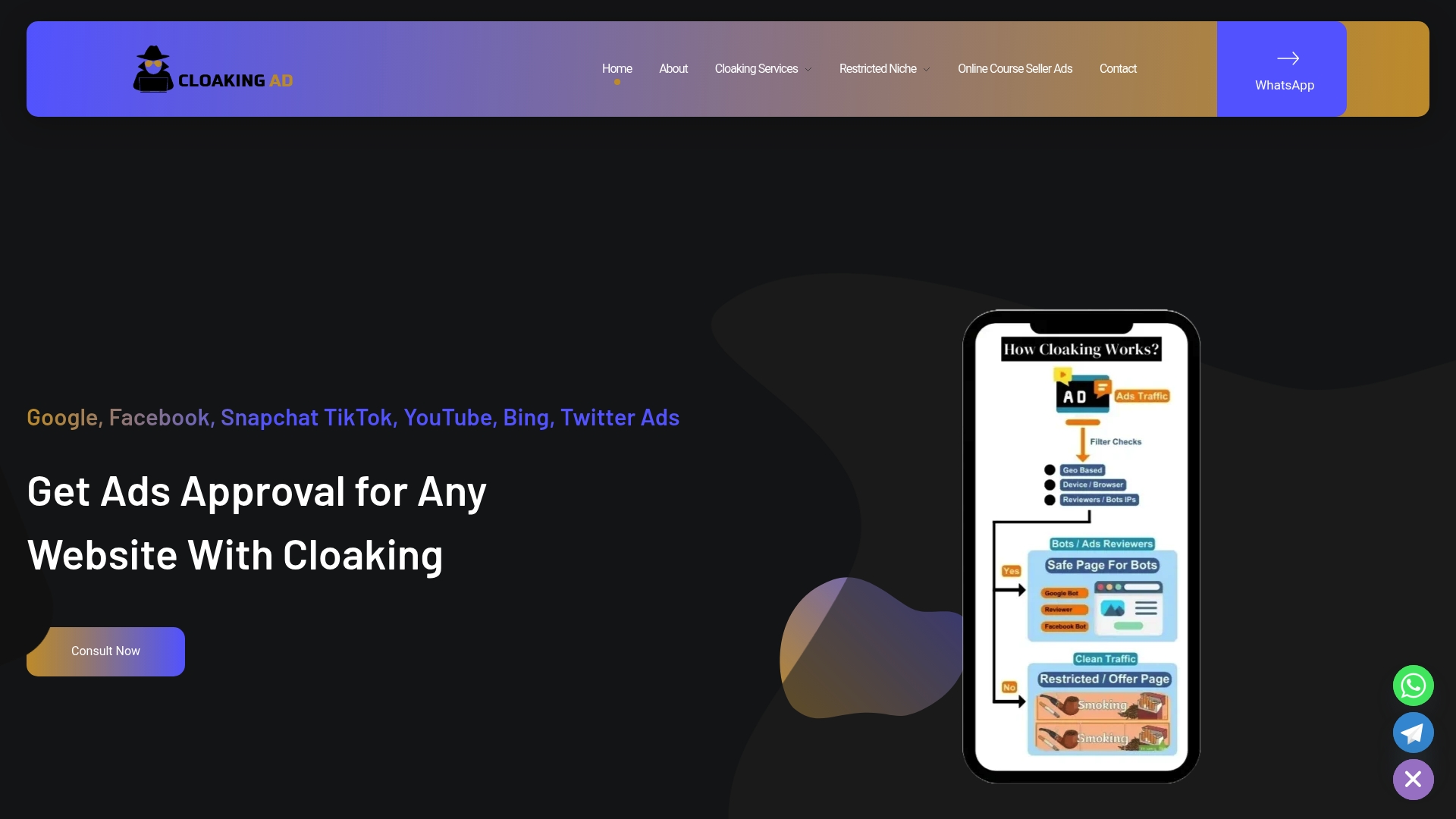
CloakingAd works specifically in these high-friction verticals, offering a consultation call to map out what’s blocking approval, a standalone cloaking system setup for $1,599 one-off, and a fully managed Done-For-You service at $3,599 one-off for advertisers who want the whole approval and account management process handled.
- Best fit: repeated rejections, complex landing pages, or categories facing strict pre-approval hurdles
- Intake call prep: have current ad accounts, past rejection notices, and category documentation ready to review
- Start point: book a consultation to identify the fastest path to stable approval
Sources
- Advertising Policies – Snapchat – Snap Inc.
- Snap Advertising Policies
- Snapchat ad review process — what it is and how it works
FAQ
Can Snapchat ads be turned off?
Individual users cannot turn off ads entirely on the free version of Snapchat, since ads remain the platform’s primary revenue engine. Some Story and Lens ads are reduced for subscribers on ad-free tiers, but this doesn’t apply to advertisers or eliminate ads platform-wide.
Why am I suddenly getting so many ads on Snapchat?
Snap personalizes ad delivery using data processing tied to app activity and measurement signals, which can shift how often ads appear as targeting and campaign activity change. This is explained in Snap’s data processing help documentation.
Does paying for Snapchat get rid of ads?
Paid subscription tiers like Snapchat+ remove some Story and Lens ads for subscribers, but they don’t eliminate advertising across the app entirely. Ads remain central to how the platform generates revenue.
How long do ads stay on Snapchat?
Once approved, an ad runs for however long the advertiser’s campaign schedule and budget allow, rather than a fixed platform-set duration. Review itself typically takes about 24 hours before an ad can go live, with longer windows for sensitive or regulated content.